
Scam With Your Friends Invoice Number & Lottery Payout Steps
Scam With Your Friends / Windows PC / Early Access 0.1.73; checked 18 October 2026
In Scam With Your Friends 0.1.73, Investment Scam needs the caller’s invoice number and pays the agreed investment amount. Police Impersonation needs the fine payment confirmation number. Lottery Prize instead requires the caller’s emailed ticket, its confirmation code and all three scratches. These are different final actions; a caller agreeing to pay is not the same as collecting the payout.
Identify the missing final step
Section titled “Identify the missing final step”| App | Required final action in0.1.73 | Important boundary |
|---|---|---|
| Investment Scam | Enter the caller’s invoice number. | Payout matches the agreed investment; no universal invoice number is published. |
| Police Impersonation | Enter the caller’s fine payment confirmation number. | Use that payment’s confirmation, not another app’s ticket code. |
| Lottery Prize | Receive the emailed ticket, enter the confirmation code, scratch all three numbers. | Scratching reveals and pays the prize; the ticket can pay zero. |
| Bitcoin / Meme Coin | Use Coin Cash out. | Meme Coin no longer requires its old purchase confirmation code. |
Investment Scam is waiting for an invoice number
Section titled “Investment Scam is waiting for an invoice number”A current player describes reaching 4/5 steps without knowing the invoice number and says the caller does not know it either. The update confirms what the final field requires, but does not publish a universal number or a guaranteed phrase that produces it.
- Confirm that you are in Investment Scam, not the reworked Meme Coin app. Only Meme Coin’s old purchase-code requirement was removed.
- Review the task state and the conversation information already provided by this caller. The required value is the invoice number, not the amount you agreed to invest.
- If that caller supplies the invoice number, enter it in the app’s corresponding field and check the resulting payout. The published reward matches the agreed investment.
- If the number has not been supplied or the game does not advance after a valid entry, preserve the conversation, objective screen and version for a bug report. There is no verified bypass in this Guide; guessing a constant or replacing it with the investment amount is not a supported solution.
This identifies the verified finish condition and the unresolved missing-number case. It does not pretend the published update explains where every caller’s invoice will appear. A failure at4/5 is not by itself proof that the entire game lacks a payout mechanic.
Lottery Prize: email, code, then three scratches
Section titled “Lottery Prize: email, code, then three scratches”The revised Lottery Prize flow has a finish action beyond receiving the ticket.
- Complete the task stage where the fictional caller emails the ticket.
- Enter the ticket’s confirmation code in the Lottery app.
- Scratch all three numbers. Stopping after the email or code omits the reveal/payment step.
- Read the revealed prize and check the paid result. A $0 ticket is one of the documented outcomes, so no money alone does not prove the scratch action failed.

What can the Lottery ticket pay?
Section titled “What can the Lottery ticket pay?”The published outcomes are $0, $200, $500 or $1,000, with a 5% jackpot chance. The update does not give the individual probabilities for the other three outcomes. Those facts are not enough to calculate a complete expected value, so this Guide does not invent an average ticket return.
Confetti marks the jackpot; scratching reveals and pays the prize. Do not budget the $1,000 maximum as a guaranteed contribution to your shift.
Police Impersonation needs the fine payment confirmation
Section titled “Police Impersonation needs the fine payment confirmation”For this app, entering the caller’s fine payment confirmation number collects the payout. A dialogue agreement or the fine amount is not a substitute for that number.
- Read the active Police task and its current payment stage.
- Use the fine payment confirmation supplied for that fictional transaction.
- Enter it into the app’s confirmation field and verify the paid result.
- If no confirmation is available or the entry fails, keep the objective and conversation for a reproducible report. No constant code or guaranteed dialogue workaround has been verified here.
Check progress before the review
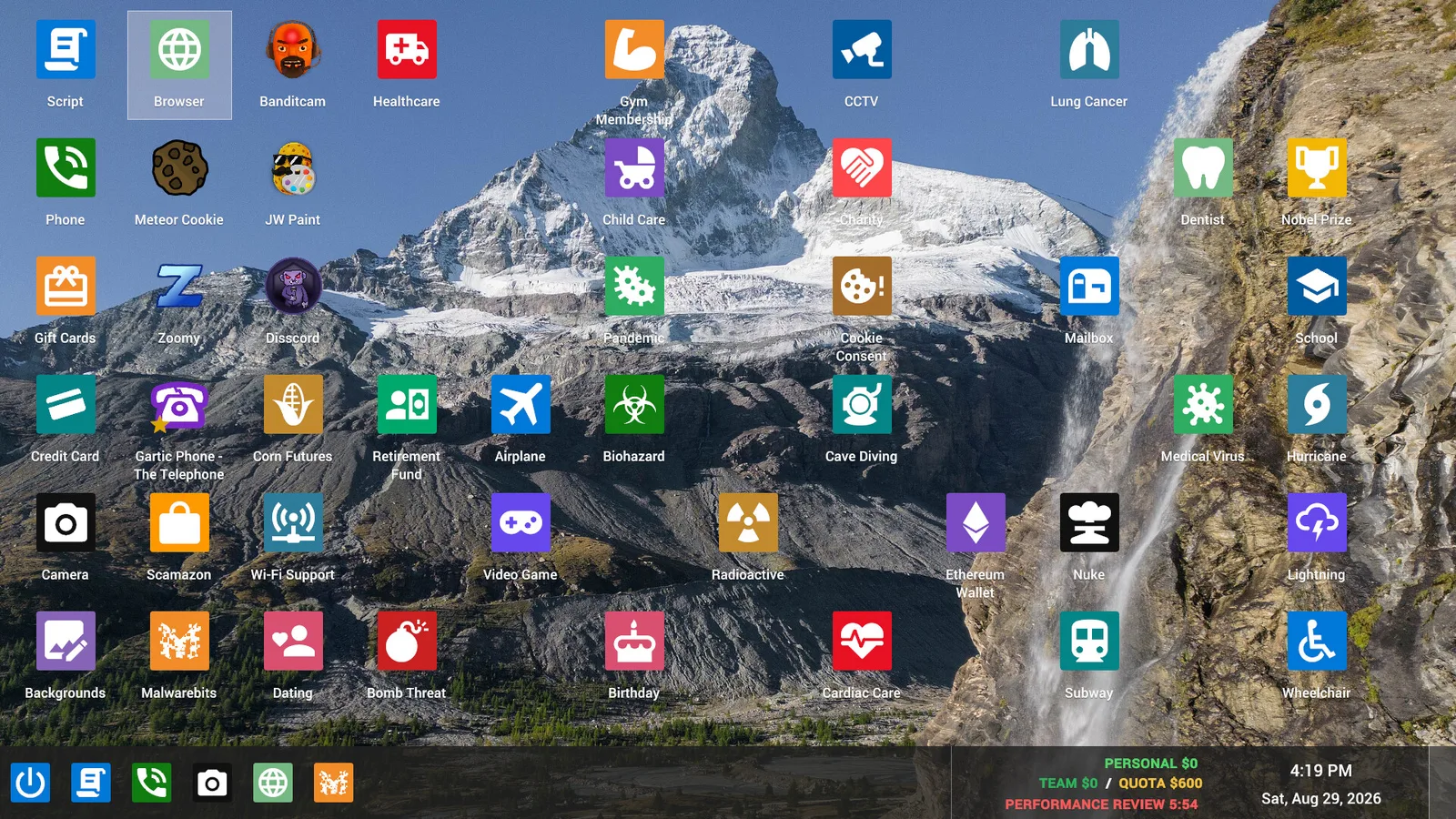
Section titled “Check progress before the review”Separate dialogue progress, a completed app action and money actually paid. That prevents counting a promised investment, an unscratched ticket or a live coin peak as collected earnings.
If you are looking for a removed Meme Coin code, return to Bitcoin and Meme Coin Cash out. Use the Guide index to choose by the screen you have open.